


But What About No Plastic? No Problem!

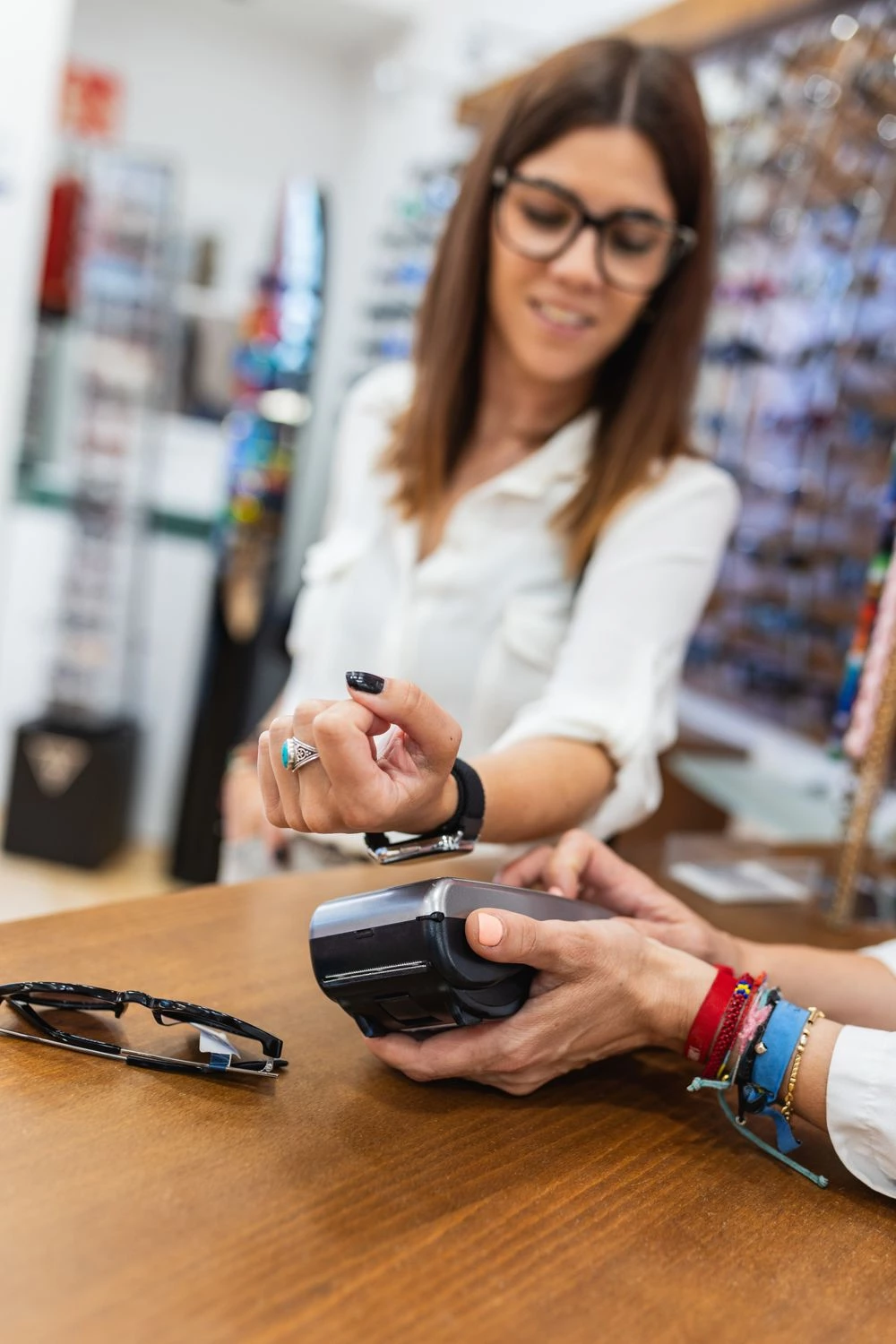

Digital Wallets
Shopping and you forgot your card at home? Or are you trying to travel light?
With your digital wallet, you can still shop and buy with confidence!
Technology advances every day and Northern Credit Union is right there with it. Digital Wallet allows you to make purchases at any merchant that accepts Google Wallet, Apple Wallet or Samsung Wallet through your linked debit card with a simple tap of your phone. Sounds easy, right? That's because it is!
Digital Wallet is more secure than traditional payment methods because it uses a unique, encrypted virtual card number. And don't worry, just like your actual debit card, you'll still get fraud monitoring and our $0 Liability Guarantee.
Add your Northern debit or credit card to your Digital Wallet in just a few easy steps!
- Locate the wallet app on your mobile phone, watch, or other compatible mobile device (Apple, Android, or Samsung), or download the app from your respective app store.
- Touch the + sign to add your debit/credit card information.
- Enter the security code found on your card and provide any additional information as required.
- For security purposes, you will need to follow the prompts on the screen to verify your identity.



Using a digital wallet can be safer than traditional payment methods for many reasons.
- Encryption
Transactions made with digital wallets are encrypted, making it extremely difficult for cybercriminals to intercept and decipher your data. - Reduced Physical Card Exposure
Using a digital wallet means your physical card remains safely in your possession, reducing the risk of card skimming or cloning. - Merchant Information Protection
When you make payments with a digital wallet, your actual card details aren’t shared with the merchant, reducing the risk of your information being stored insecurely.
Contactless Payments
Quick. Convenient. Secure.
Just hold your phone or watch near the card reader and you’ll check out in seconds!
Great for Northern Member-Owners Who Use Digital Wallets
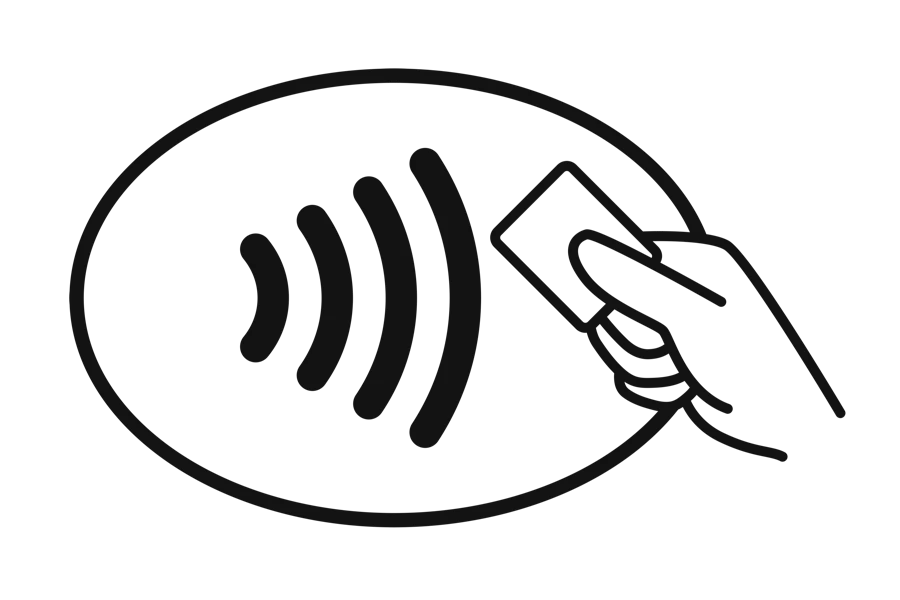
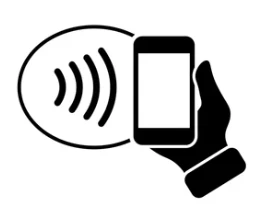
- Look for the contactless symbol on your card or the point-of-sale terminal.**
- Tap your card or mobile device one to two inches in front of the point-of-sale terminal.
- Wait for a beep, green light, or checkmark before removing your card/device. You can put your preferred form of payment away now; you won’t need it for the remainder of your transaction.
- Follow any instructions on the screen, some merchants may ask you to sign or enter your PIN.
**You can only use your card/device as contactless if the point-of-sale terminal accepts these types of payments, you’ll find this contactless symbol on the terminal or the payment logo (Apple Pay, Google Pay, Samsung Pay) if contactless payments are accepted.
Digital Wallet FAQs
- Where can I use my Digital Wallet?
You can use your Digital Wallet as a payment method online and in-store. Look for the tap-to-pay icon or your Pay logo (Apple Pay, Google Pay, Samsung Pay).
Locally to Northern Credit Union, you can use your card at the following merchants:
- Stewarts
- McDonald's
- Jreck Subs
- Price Chopper
- Dunkin Donuts
- Aldi
- Taco Bell
- Walgreen's
- Lowes
- Hannaford
- Circle K
- Sunoco
- Sliders
- Byrne Dairy
- Do you offer Digital Wallet options (Apple Pay, Google Pay, Samsung Pay)?
Yes! We off the following Digital Wallet options for your Northern Credit Union debit and credit cards:
For more information on mobile wallet, visit the Digital Wallet page of our website.
- Do you offer contactless cards?
Any new card that is issued or replaced after April 6, 2022, is a contactless card. These cards offer the latest security and save you time at checkout by allowing you to simply "tap to pay," on the screen of the terminal instead of inserting your card into the terminal. Within seconds, you'll hear a beep or see a green checkmark indicator that it worked!
Every chip, contactless, and Digital Wallet transaction are made with a unique code, which helps protect against fraud and keep your information safe.
Look for this icon at checkout to use your contactless card!
What are the benefits of using your contactless feature?
- Your contactless transactions are just as secure! Every chip, PIN and contactless transaction include a unique code, helping to protect against fraud and keep your information safe.
- To keep your card secure, contactless transactions only work within one to two inches from the point-of-sale terminal.
- It’s more sanitary, you no longer need to type in a keypad, swipe or insert your card.
- Save time every time you tap!
How to use your contactless card?
- Look for the contactless symbol on the point-of-sale terminal.
- Tap your card one to two inches in front of the point-of-sale terminal.
- Wait for a beep or green light before removing your card. You can put your card away now; you won’t need it for the remainder of your transaction.
- Follow any instructions on the screen, some merchants may ask you to sign or enter your PIN.
 Please note you can only use your card as contactless if the point-of-sale terminal accepts these types of payments, you’ll find this contactless symbol on the terminal if contactless payments are accepted.
- If a business does not accept contactless payments or if you receive an error, you can still insert or swipe your card to complete your transaction.
- Coming soon, all Northern Credit Union Advanced ATMs will support contactless transactions! To access Advanced ATM functions please continue to insert your Debit Card into the card reader.
Contactless cards can be requested for $5. For more information regarding these cards or businesses that accept Contactless payments, visit Visa's website: https://usa.visa.com/pay-with-visa/contactless-payments/contactless-payments.html