


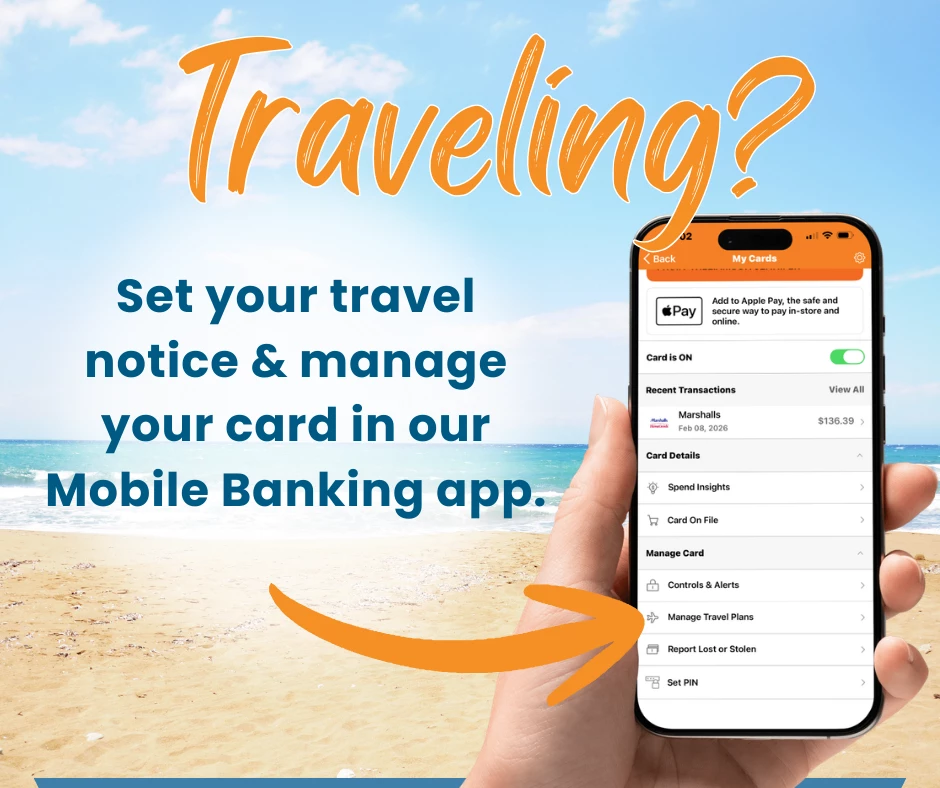
Follow the steps below:
- Log in to Online Banking or Mobile Banking.
- Hover over the Account Services tab and access Card Controls
- If on the Mobile Banking App, click on More... to locate the Account Services Tab. Once on Card Controls, swipe to access other cards available.
- Click "manage card" on the card you will be traveling with.
- Click the Travel Notices button.
- Enter a start and end date.
- Enter a destination.
- (Optional) Click the "Add Another Destination" link to add another destination.
- (Optional) Use the drop-down to select additional cards to add to the travel notice.
- Click the Save button.
Some additional options include:
- Calling or texting 315-782-0155.
- Sending us a secure message through the Message Center in Online/Mobile Banking.
- Visiting one of our Relationship Centers.
Check out our Online & Mobile Banking User-Guide for step-by-step instructions on other convenient card management options through Digital Banking.
Get the best Credit Card for your lifestyle
Designed with you in mind, Northern Credit Union’s Visa® credit cards give you the choice of 1.5% cashback or superior rates. Our cards always offer no balance transfer fees and 0% intro APR on balances for 12 months after account opening. Apply today and take advantage of our fast approval process and in-house card printing to start using your new credit card right away!